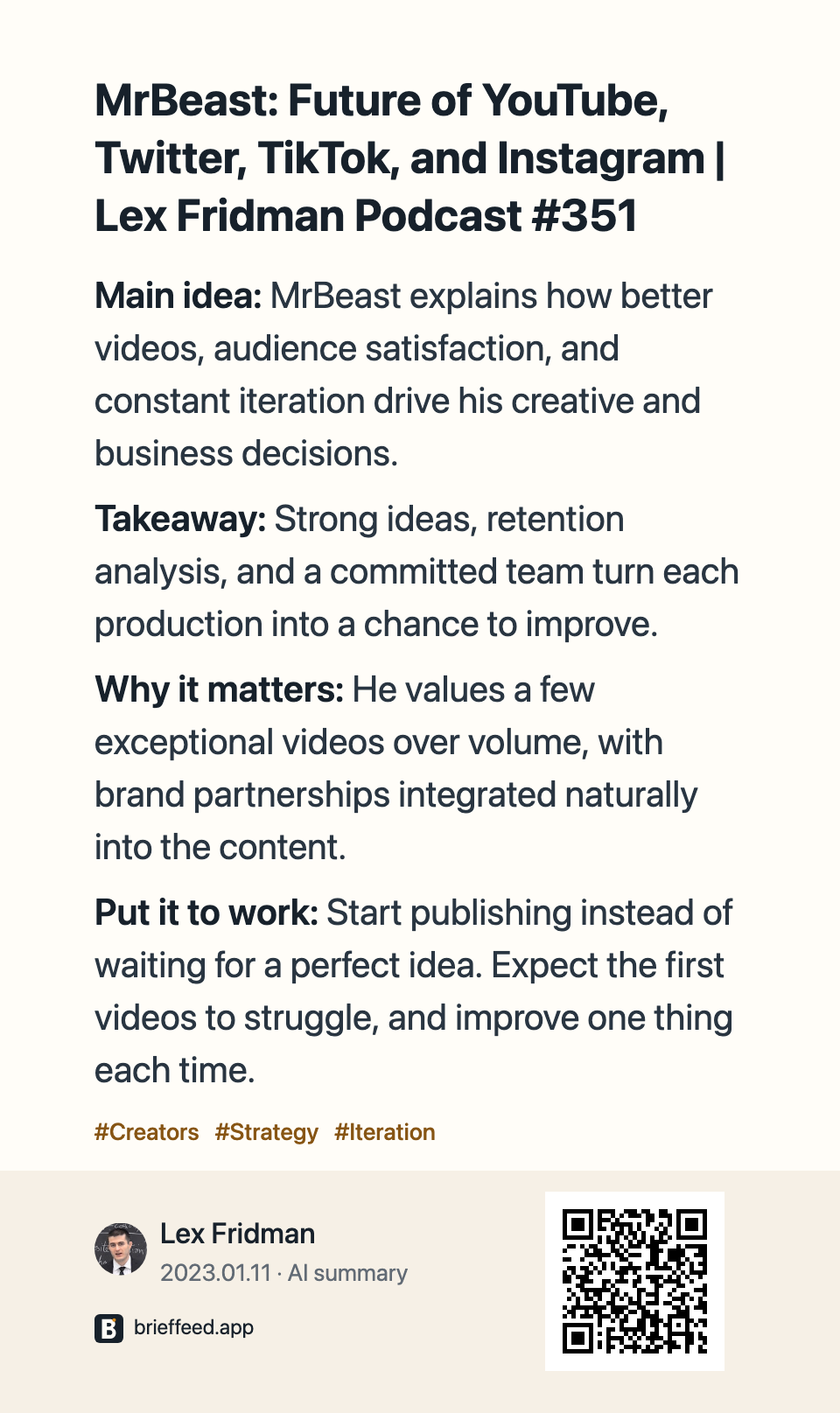
Go to App StoreApp Store
For iPhone and iPad
AI reading layer for the web
Read long posts on X with compact summaries beside the original. Keep useful sources, or explore source-linked AI Insights from supported content loaded in your browser today.
Get BriefFeed for your device.
For iPhone and iPad
Available for iPhone and iPad. An Android app is not available.
Chrome, Edge and Firefox extensions are for desktop browsers.
Understand in place. Save selectively. Synthesize on demand.
Inline summaries
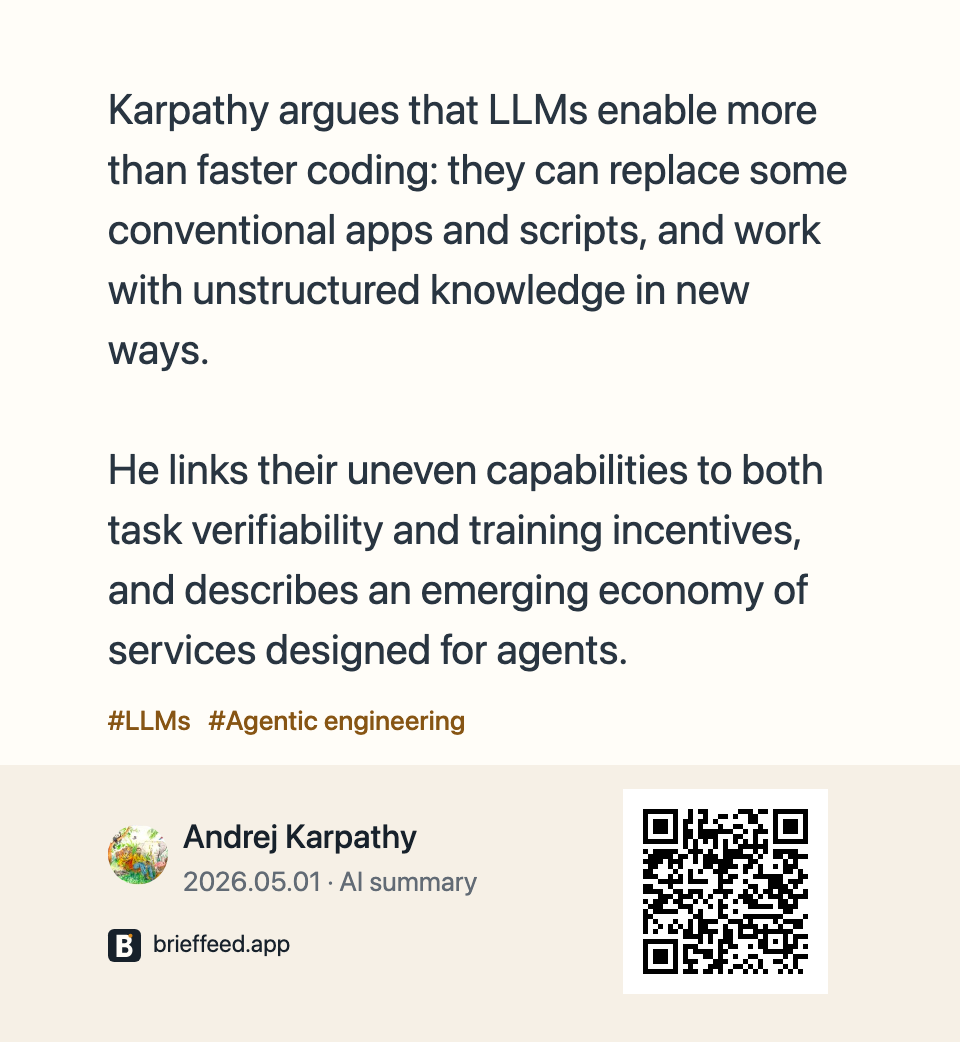
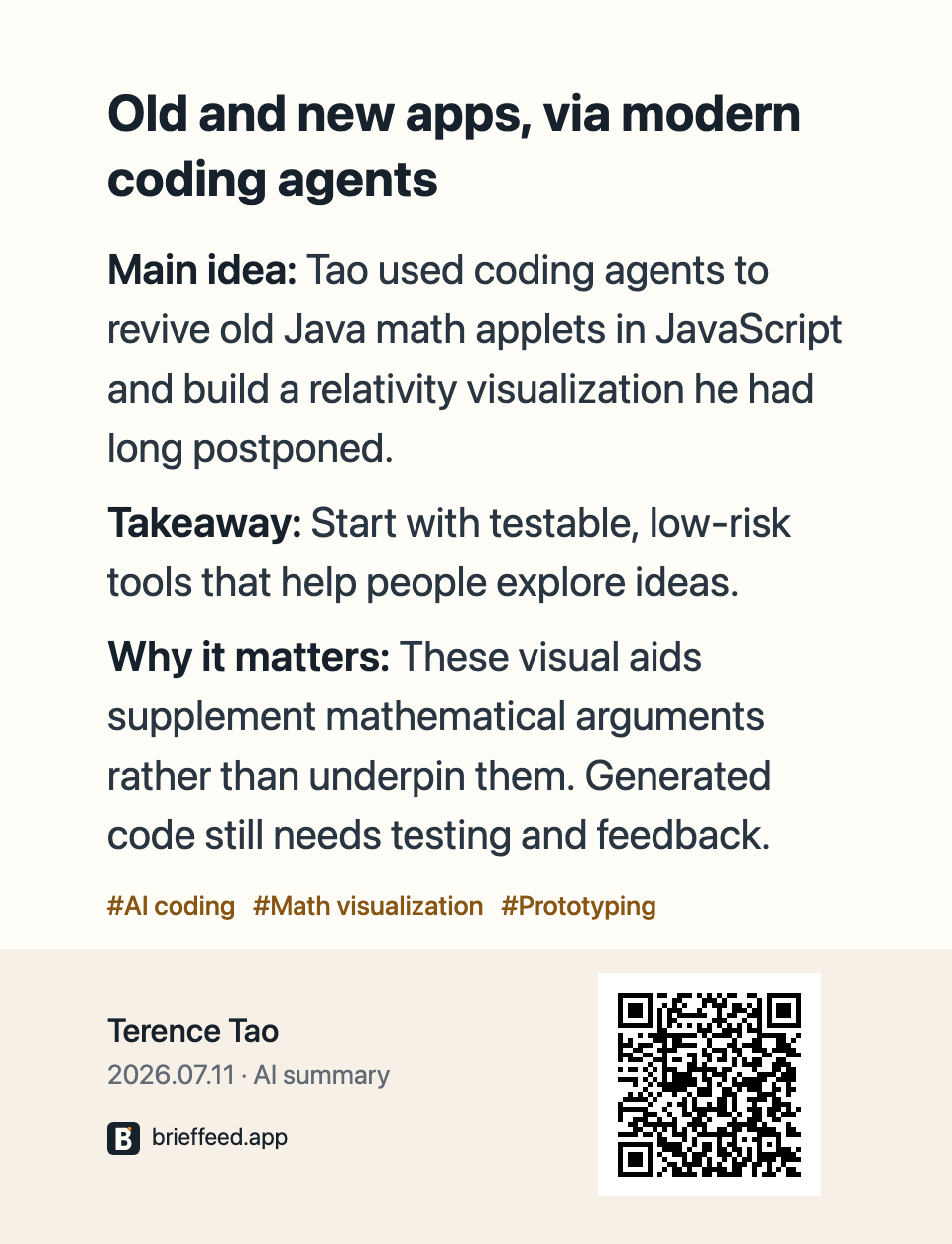
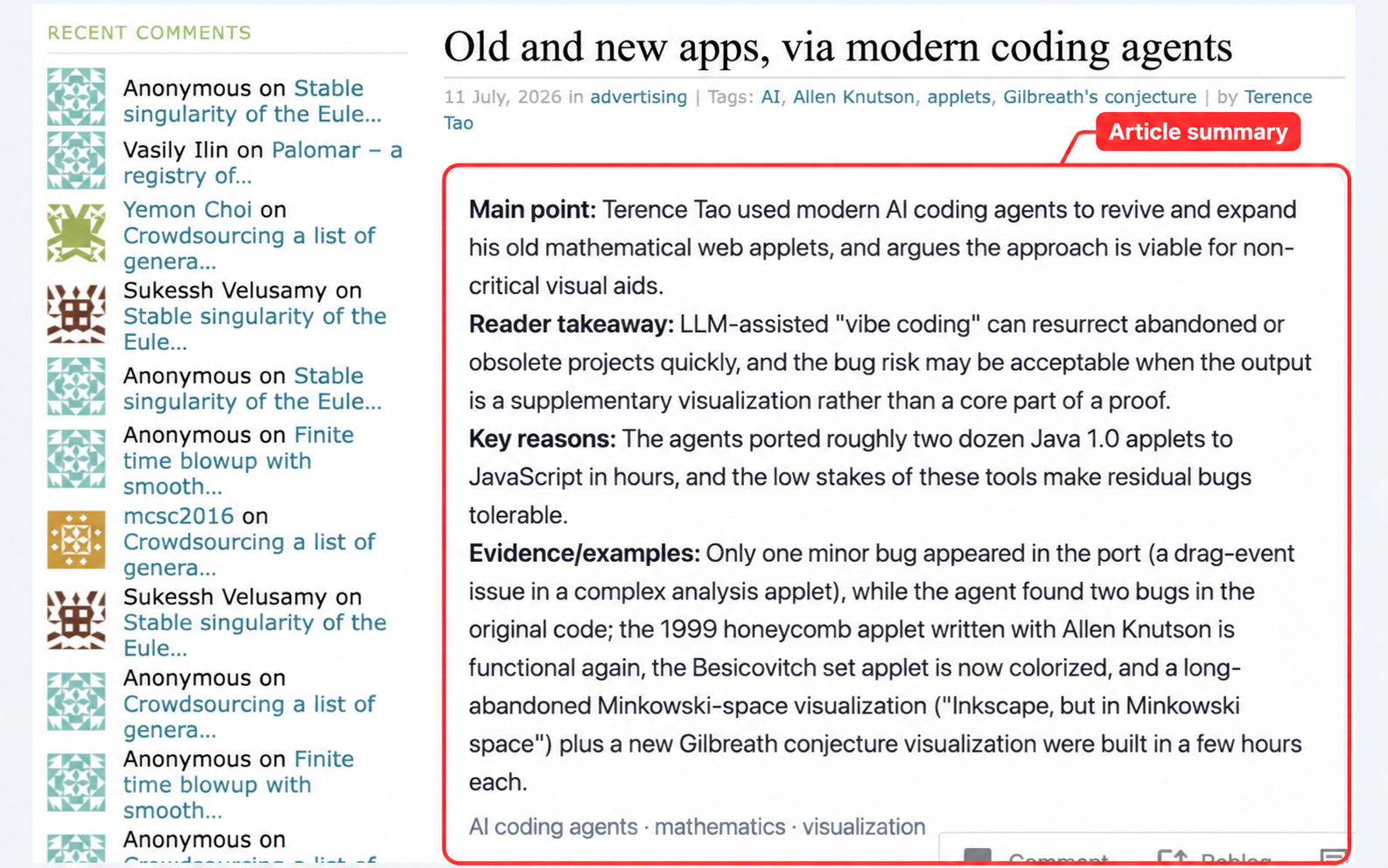
Compact summaries appear beside loaded posts and pages, so the original context and path back stay in view.
Saved sources
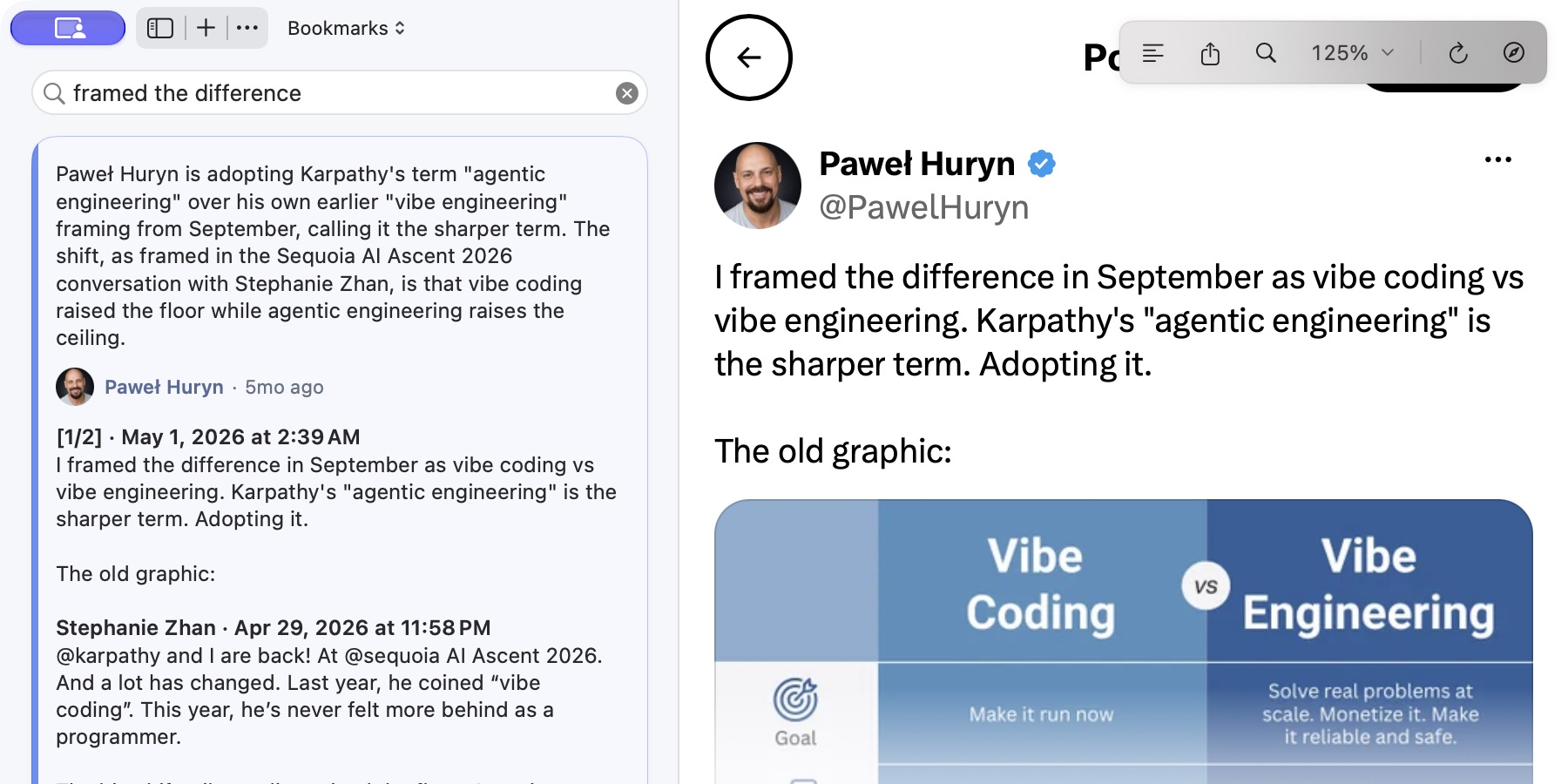
Keep sources, summaries, and visible media context together, and revisit saved items by identified author. Public portraits and biographies appear when available; support varies by site and client version. Shown here in the Mac app.
AI Insights
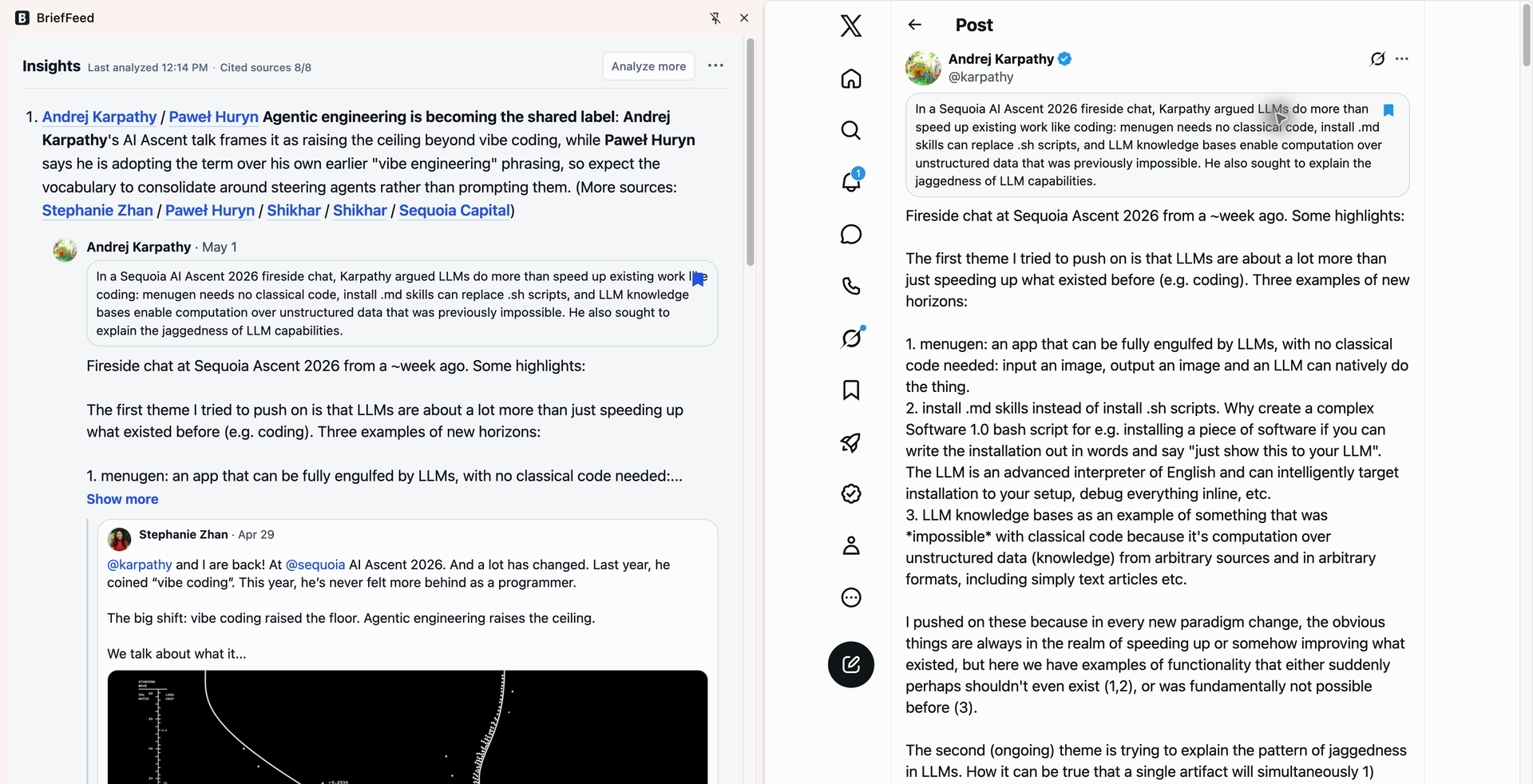
Trends, takeaways, questions, and possible next actions stay connected to the source cards that created them.
Real screenshots show BriefFeed on social feeds, articles, discussions, product pages, code, podcasts, and video—plus the workflows that follow a useful summary.
A 20-second edit of real use: browse source-linked Insights on the left, open a citation on the right, and keep reading the original.
BriefFeed goes beyond social feeds. It distills loaded posts and discussions, long-form articles and newsletters, papers and product pages, podcast Show Notes, and available video transcripts or captions—so you can quickly decide what deserves a deeper read. AI Insights brings together today’s supported loaded content, including same-day history received from your other devices when browser-history sync is enabled.
Summaries stay attached to loaded posts, details, visible media, and thread context. Xiaohongshu runs only on a note detail you explicitly open.
Opened article pages get a concise preview after enough visible source text loads—without inbox scraping, paywalled text, comments, cookies, or account data.
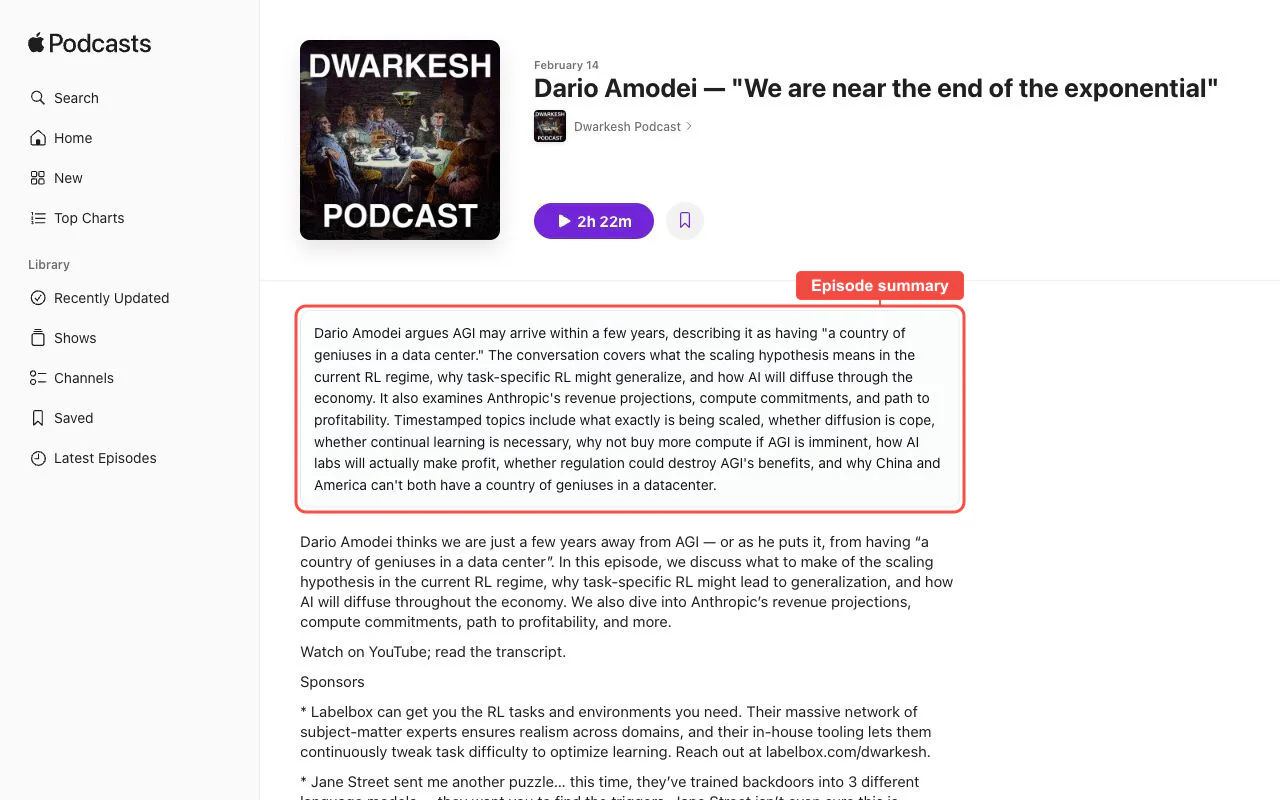
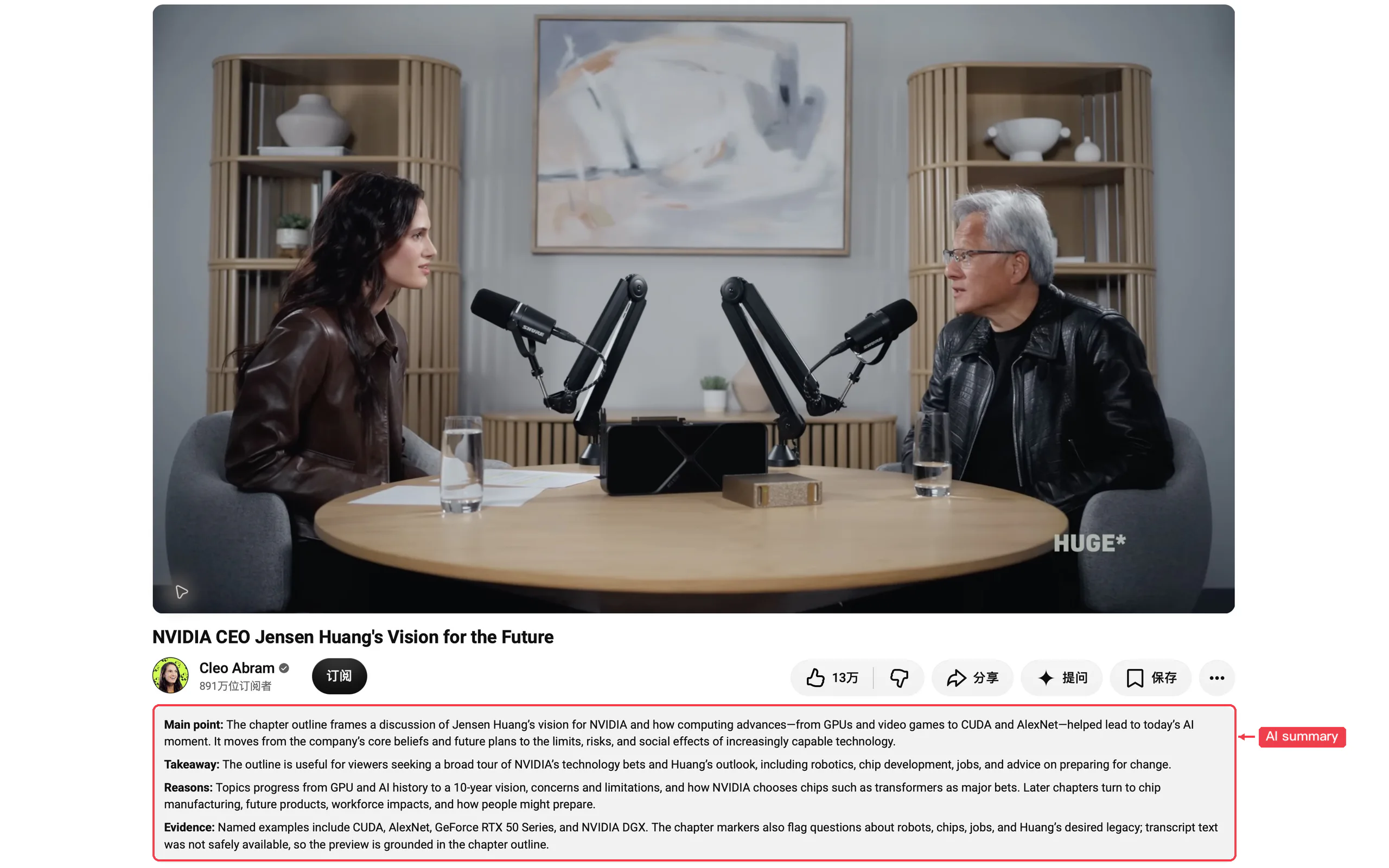
Podcast Show Notes and available video transcript/subtitle text are treated as source text, not audio or video analysis.
For projects or research you intentionally open, BriefFeed condenses visible READMEs, public profile context, launch copy, comments, abstracts, bounded HTML-paper text, and public OpenReview paper metadata without hidden APIs, private repo data, PDFs, or private reviews.
Opened stories, technical articles, topic bodies, and loaded discussion context get a concise entry point.
Find a post by the words you remember.
Your recent reading, across devices.
Connect ideas with AI Insights linked to their sources.
Upcoming
Bring saved items, retained history and AI Insights into the Agent you already use. Research ideas, organize your library and return to the original sources.
Integration guide“What did I read about AI agents this week? Compare the viewpoints and link the sources.”
BriefFeed is designed as a browser assistant for content already loaded in the current page.
BriefFeed places compact summaries beside supported posts and pages while you browse, so you can decide what deserves a closer read before saving it. Saved sources keep their original links, and AI Insights connects its points to source cards. An AI chat is useful for a conversation about a chosen source; BriefFeed focuses on reading in context and finding useful sources again.
Start with a summary on a supported page, save the sources worth revisiting, and use AI Insights to synthesize supported loaded content with links back to its sources. You can optionally send selected saved items or saved Insights briefs from the browser to Notion or experimental NotebookLM sync for follow-up work. Saving a source does not create a full-article archive.
Custom tags are coming soon. You'll be able to create tags, apply them to one or multiple saved items, and browse by tag, with tags syncing across devices. Until then, you can use the desktop browser extension to sync selected saved items to Notion and organize them there.
The desktop browser extensions add summaries to supported loaded pages. On iPhone and iPad, you can share a supported public link to BriefFeed. The Apple apps provide a saved-source library and reading workspace; optional sync connects your reading across devices. Supported surfaces and features vary by client and version. There is no Android app.
BriefFeed is currently free to download. This is not a promise of permanent free access or unlimited use. Check the store listing for your device for the current download price.
Install the extension for your browser and open X. Sign in to X if needed, then open a substantive English post from an author you follow. Allow site access if prompted and look for the summary beside the original. Short or unsupported pages may not show a summary. On iPhone or iPad, you can also share a supported public link to BriefFeed. Start with one source before setting up optional sync.
Hosted summarization sends bounded source text and source metadata to BriefFeed’s service and its configured AI providers. It is not an entirely on-device workflow. It does not send your site passwords or session cookies. The privacy policy explains processing, caches, and optional sync in detail.
BriefFeed is available for Chrome, Microsoft Edge, and Firefox, with apps for iPhone, iPad, and Mac. See the download options above for store links.
Inline summaries support selected social post surfaces plus selected discussion, new product, project, article, research-paper, podcast Show Notes, and current-video YouTube/Bilibili transcript, subtitle, timeline, or chapter text, including opened Xiaohongshu note details, Apple Podcasts and Xiaoyuzhou episodes, WeChat, DEV Community, Zhihu articles and individual answers, and NetEase News articles, arXiv abstract and HTML paper pages, public OpenReview paper pages, and native or user-enabled custom-domain Substack, Medium, and WordPress articles, where the relevant content has already loaded in the browser. On X, Bluesky, Jike, Weibo, Reddit, and V2EX, supported loaded surfaces can be summarized in foreground or background tabs before entering your view and can be included in AI Insights; Xiaohongshu runs only on a note detail the user opens.
External sync is optional. Notion uses your configured token and data source, while experimental NotebookLM sync uses the current browser's Google session and selected notebook. Notion is for a structured saved-source library; NotebookLM turns chosen saved items or Insights briefs into sources for follow-up research. These payloads are sent directly from this browser and are not routed through BriefFeed servers.
No. You can use BriefFeed without creating a BriefFeed account.
No. It adds a compact summary layer above posts already loaded in the current page. You can still inspect the original post in place.
No. BriefFeed does not read, store, or send social account passwords, cookies, session tokens, or login credentials to BriefFeed servers.
Product feedback, support, or privacy questions.