Substack
Native and explicitly enabled custom-domain articles keep their title, byline, and source nearby.

Product showcase
Real product screenshots show how compact summaries stay beside the loaded source. The bilingual screenshot library includes both Chinese and English examples. Open any image for a larger view; more verified sites will be added as they are ready.
Articles & newsletters
Native and explicitly enabled custom-domain articles keep their title, byline, and source nearby.
Visible article text is distilled in place without reading member-only or hidden content.

Single-article pages receive a source-linked summary on recognized sites.
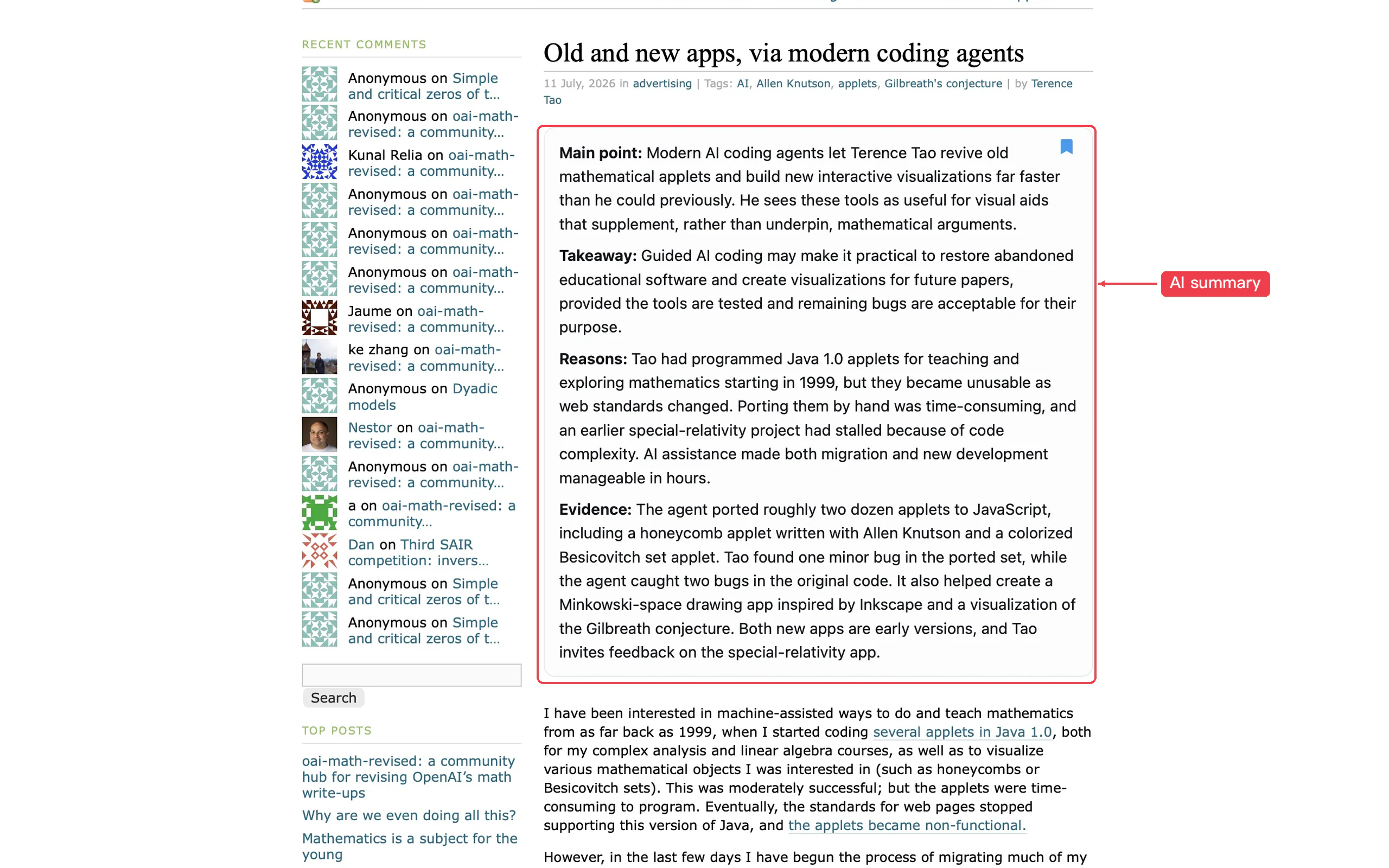
Article summaries appear near the title once enough visible body text loads.

Opened Zhihu articles and individual answers get summaries from visible text, with the question providing context for each answer.


Extract the main ideas, reasoning, and key evidence from news reports and in-depth interviews.
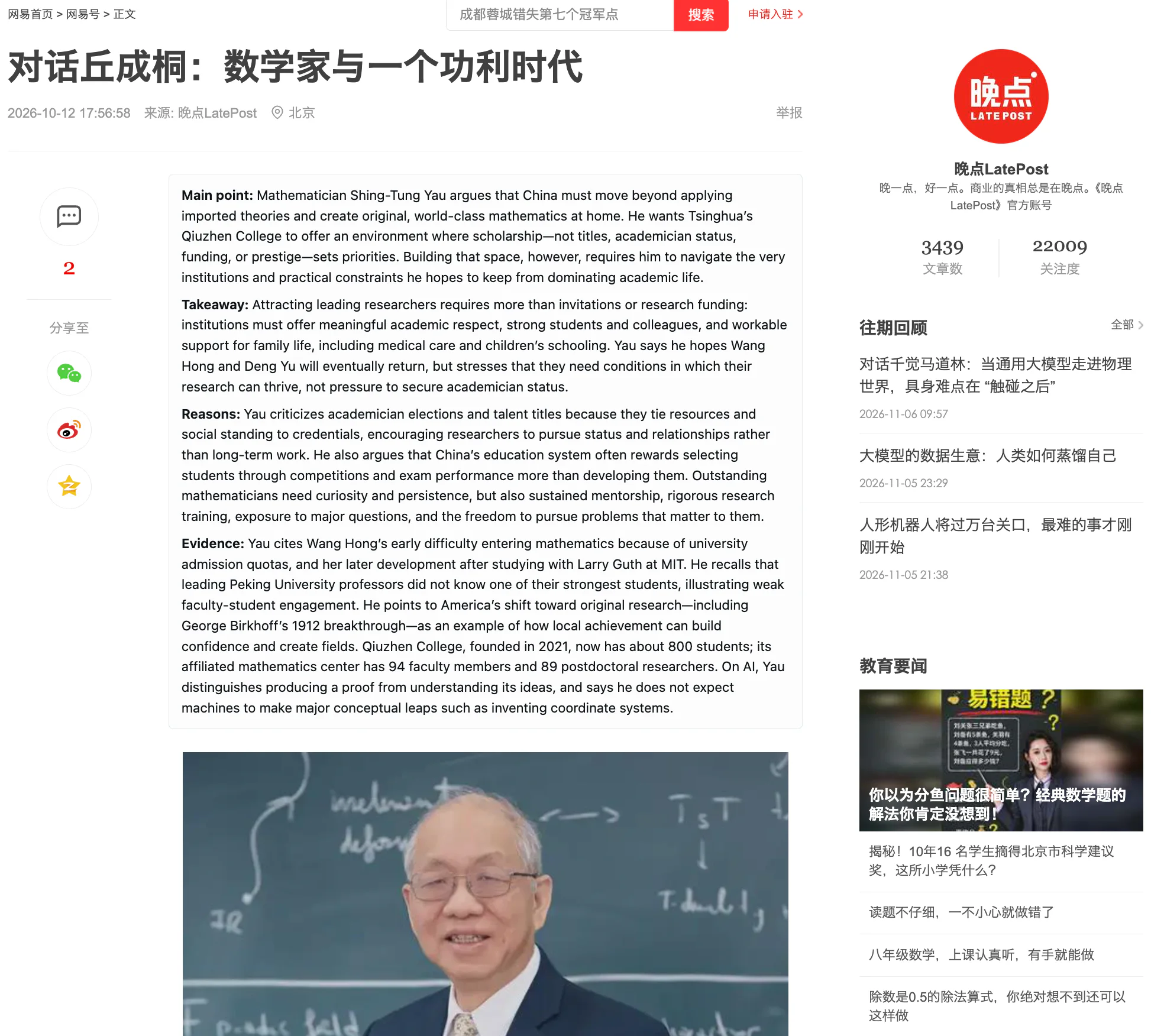
Audio & video source text
Opened episode pages expose the main ideas already present in visible Show Notes.
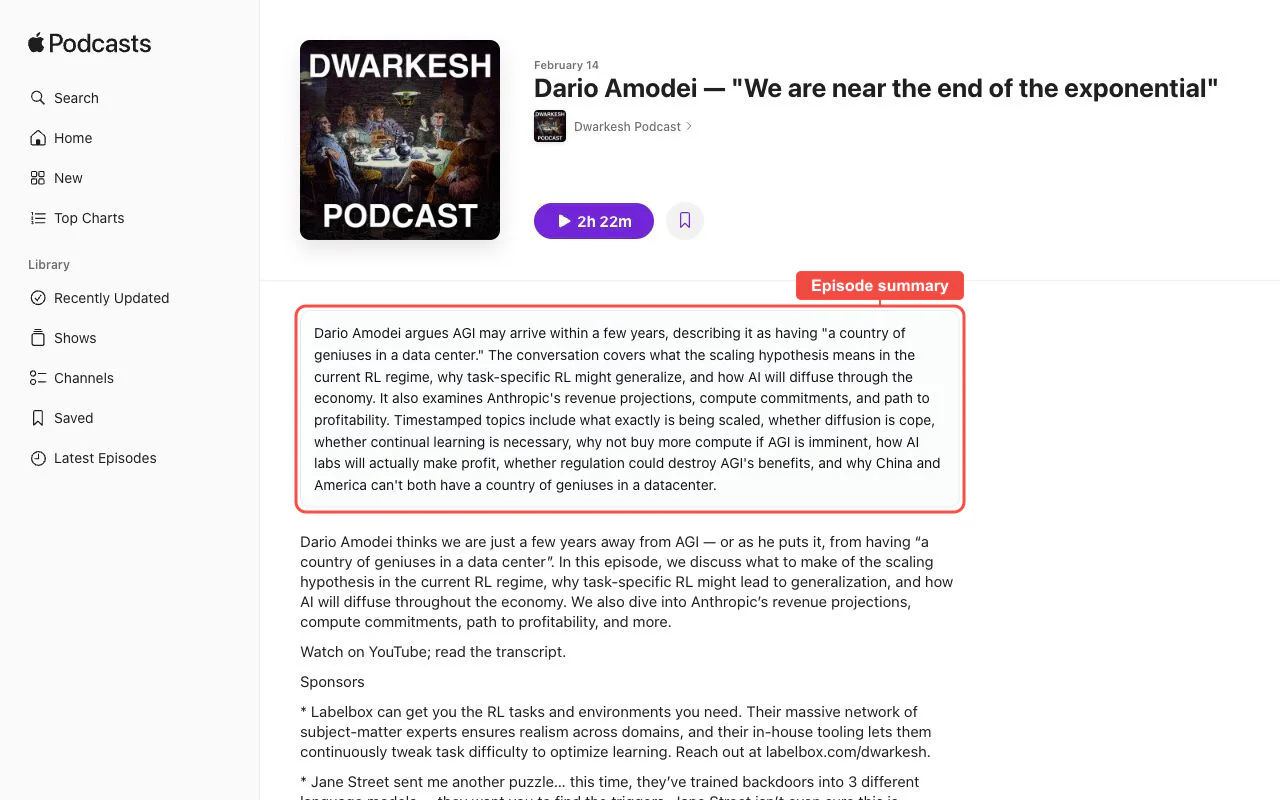
Available transcript, timeline, and chapter text become a structured video brief.
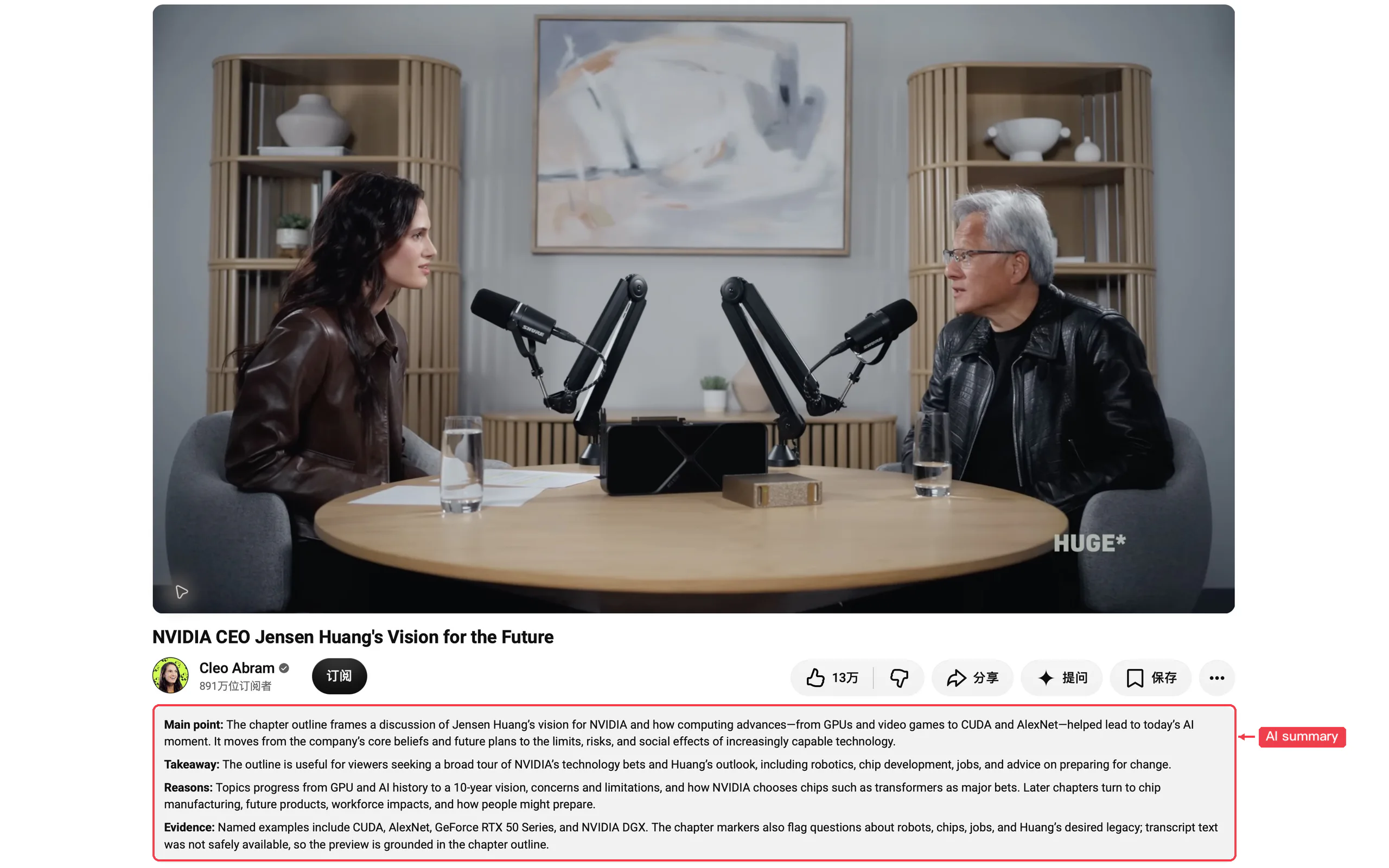
Visible episode Show Notes become a quick listening preview.

Available subtitle text and chapter markers are condensed beside the current video.
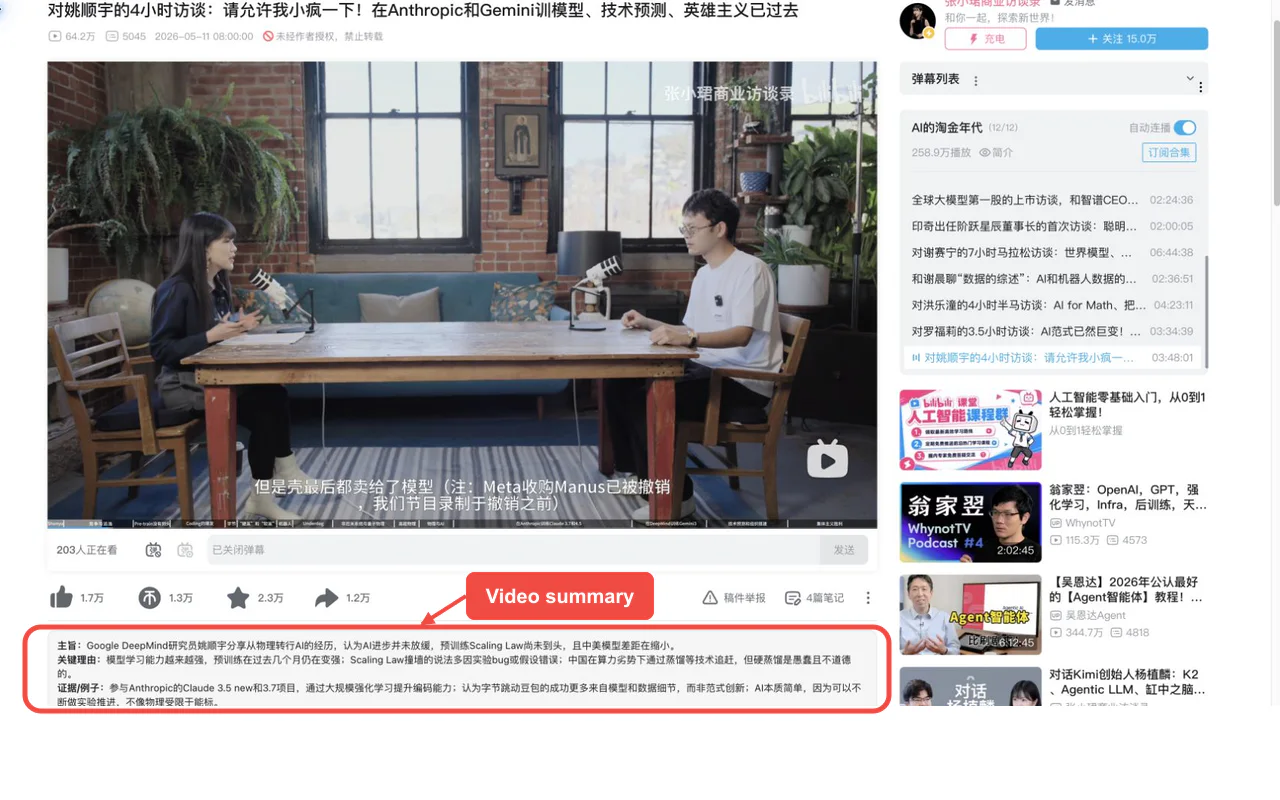
Products, code & research
Public profiles, repositories, the home feed, Trending surfaces, and public Sponsors profiles each get context that matches what is on screen.


Product pages and substantial visible reviews get distinct summaries.


Visible paper titles, authors, abstracts, and bounded rendered HTML text become a concise paper preview.

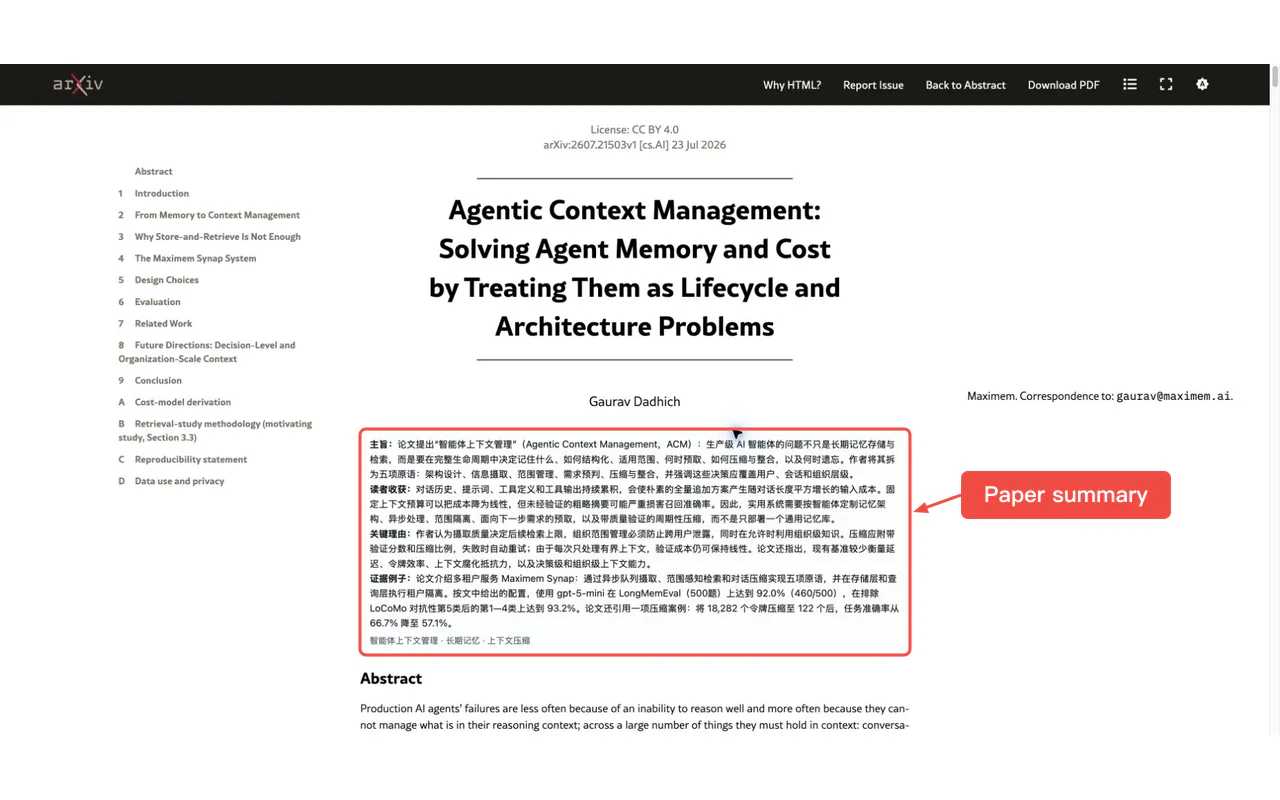
Opened public paper pages are summarized from visible paper metadata—not reviews or private fields.

Technical communities
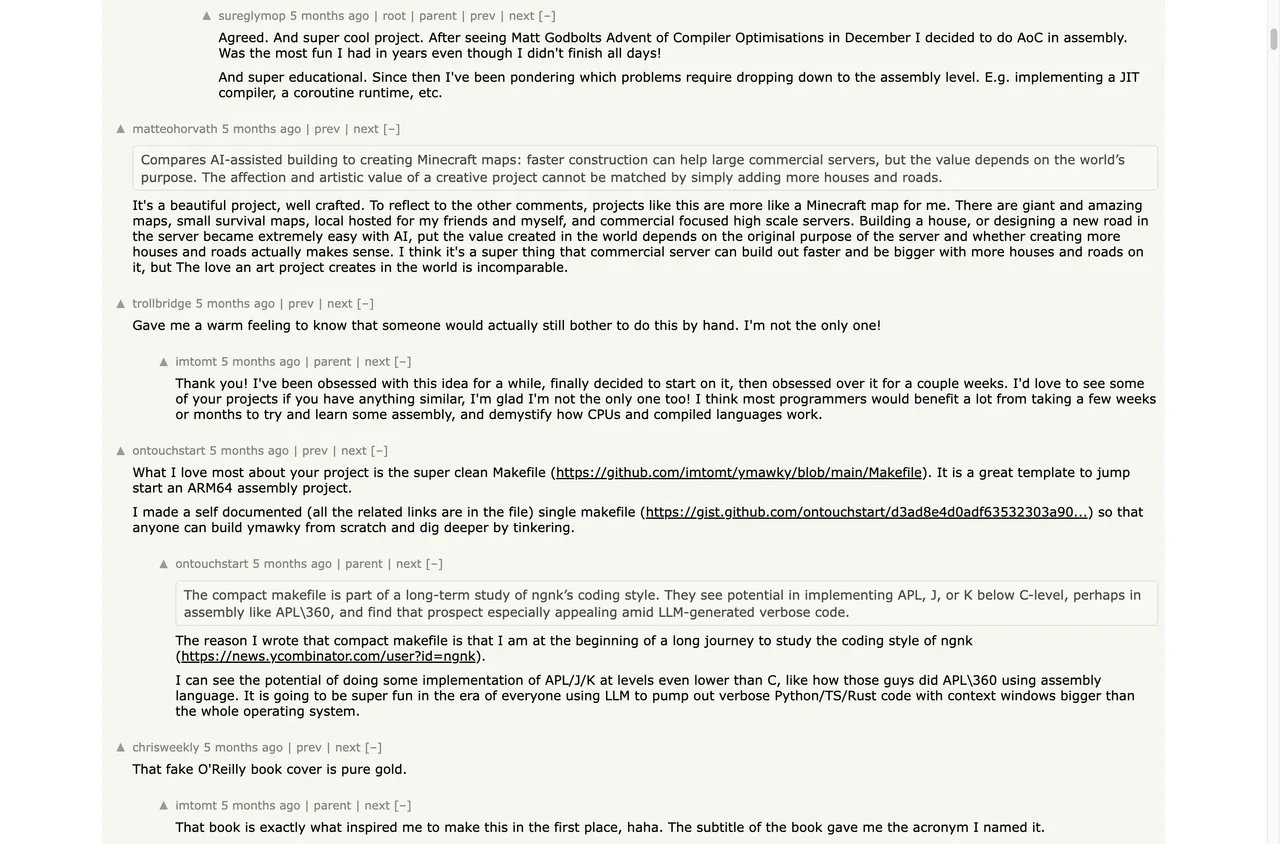
Story and discussion context is summarized directly on the thread.
Opened dev.to articles are summarized from the rendered title, byline, and visible body.

Opened stories and visible comments get a compact summary after enough text loads.

Opened topics and visible thread content are condensed without hiding the source.

Beyond the first summary
Keep worthwhile sources, summaries, and visible media context together in the side panel.
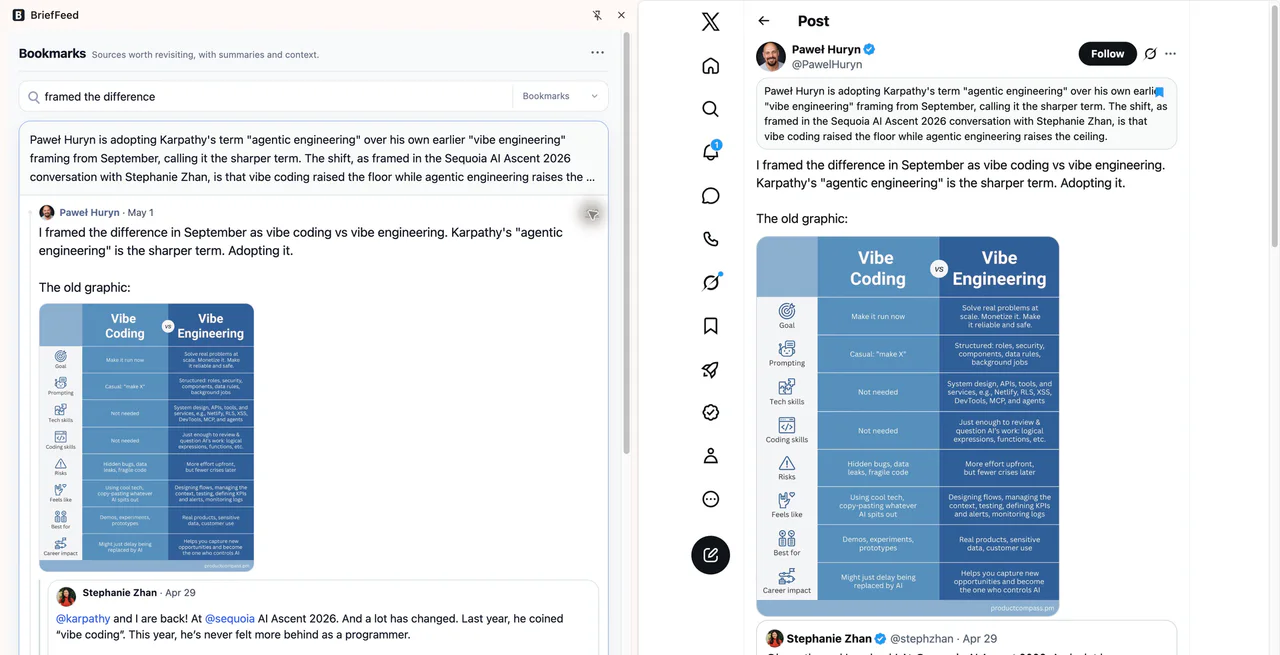
Turn supported content loaded today into a brief whose takeaways stay linked to source cards.
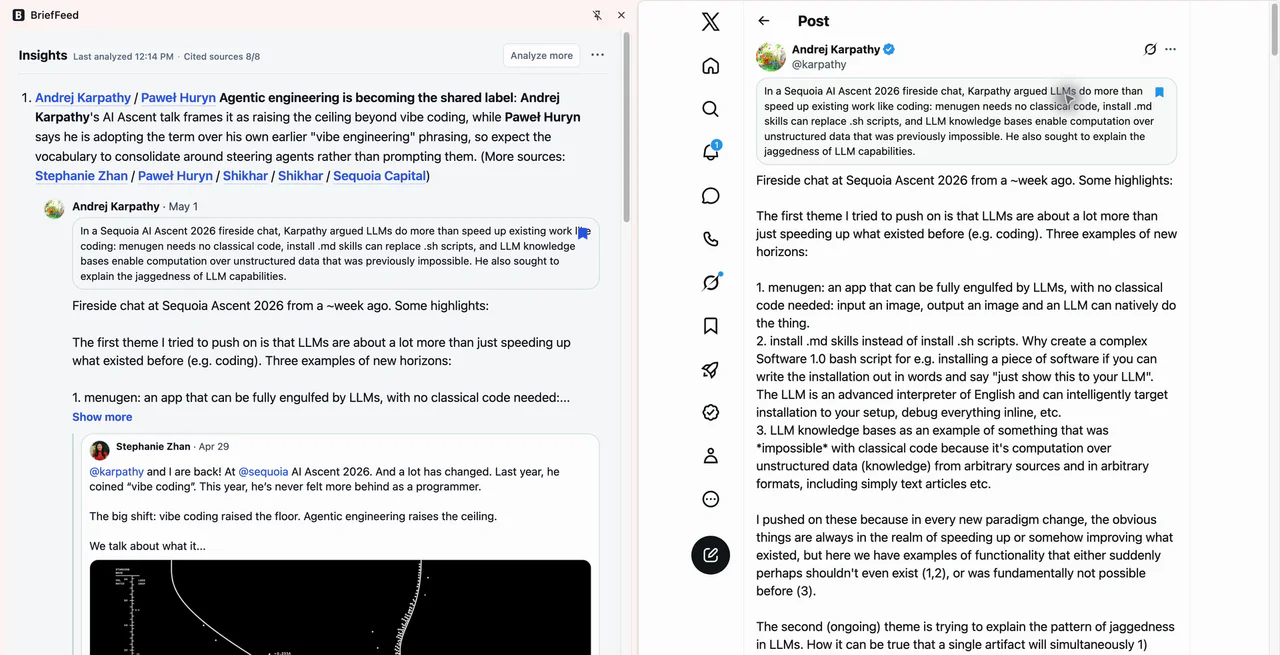
Send selected sources, summaries, tags, and source links to a structured Notion database for review and organization.
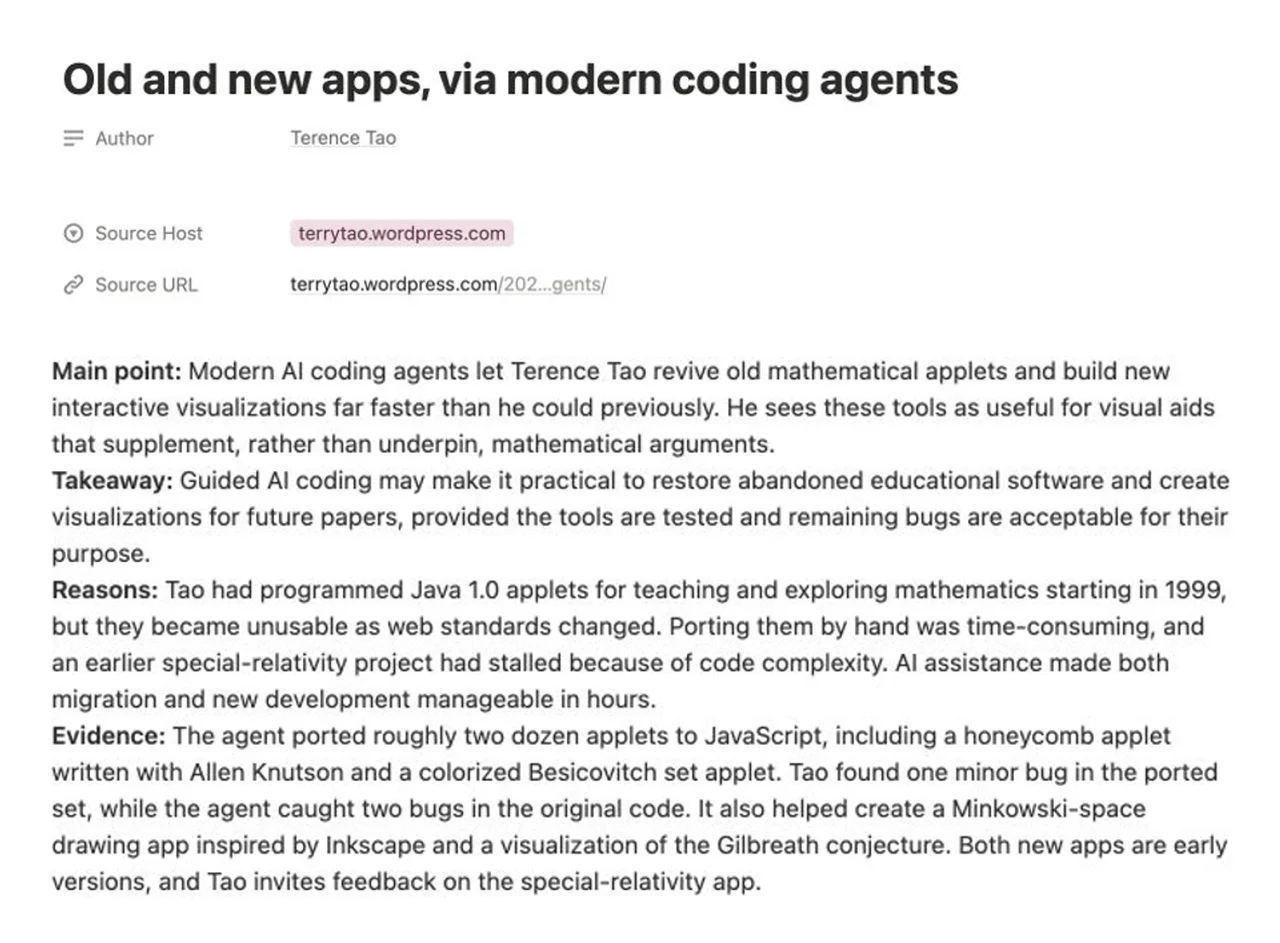
Use chosen saved items or Insights briefs as sources for follow-up work in a selected notebook.

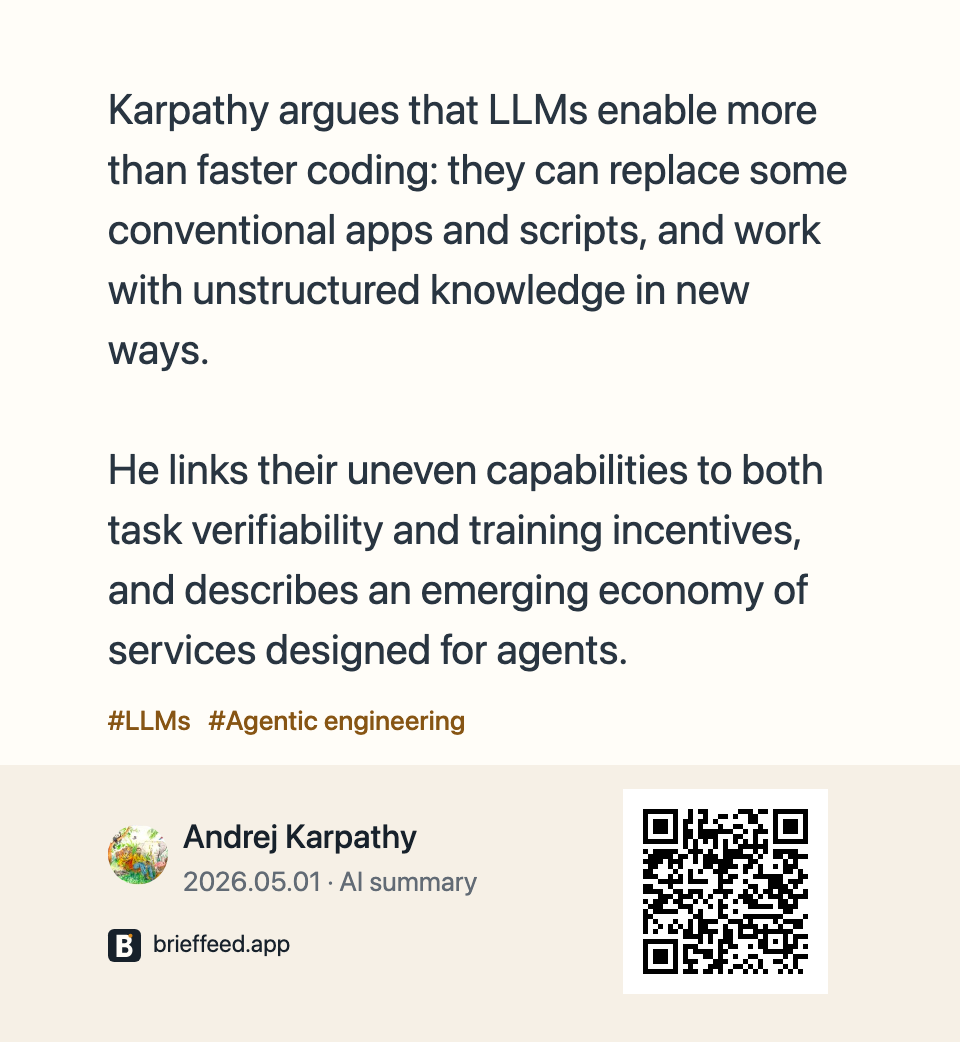
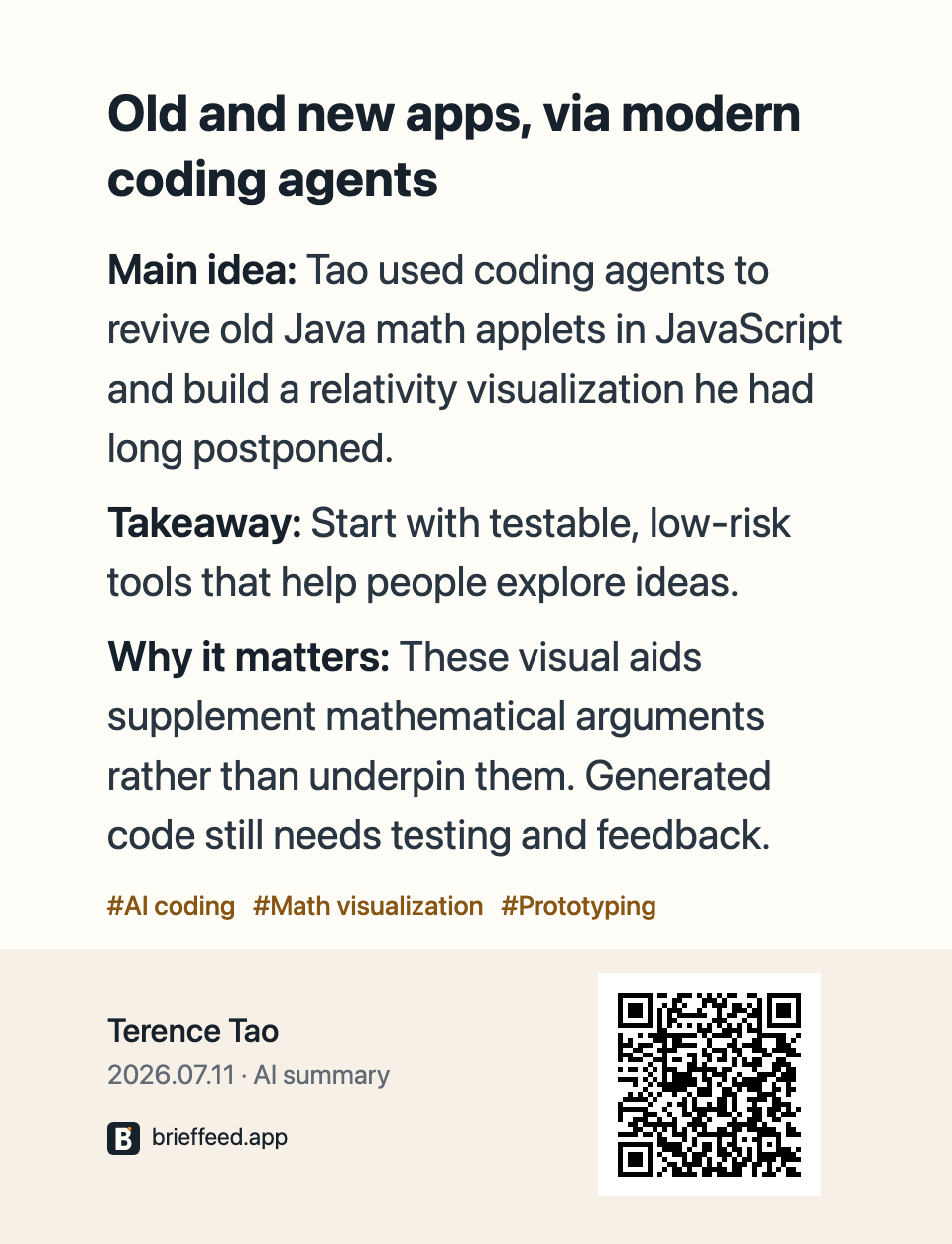
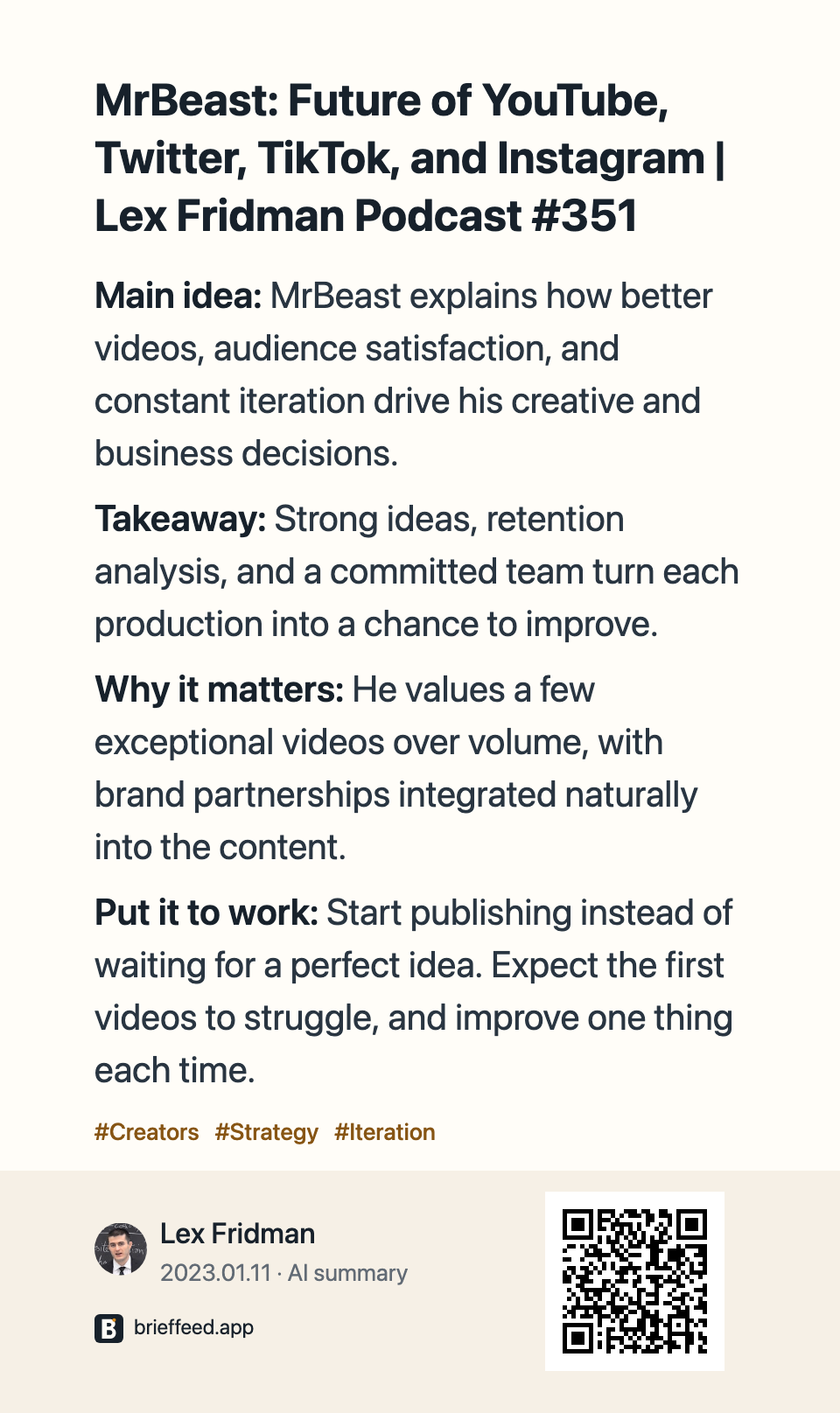
Share a saved summary or original post as an image, with its author and a QR code back to the source.
Find what you read
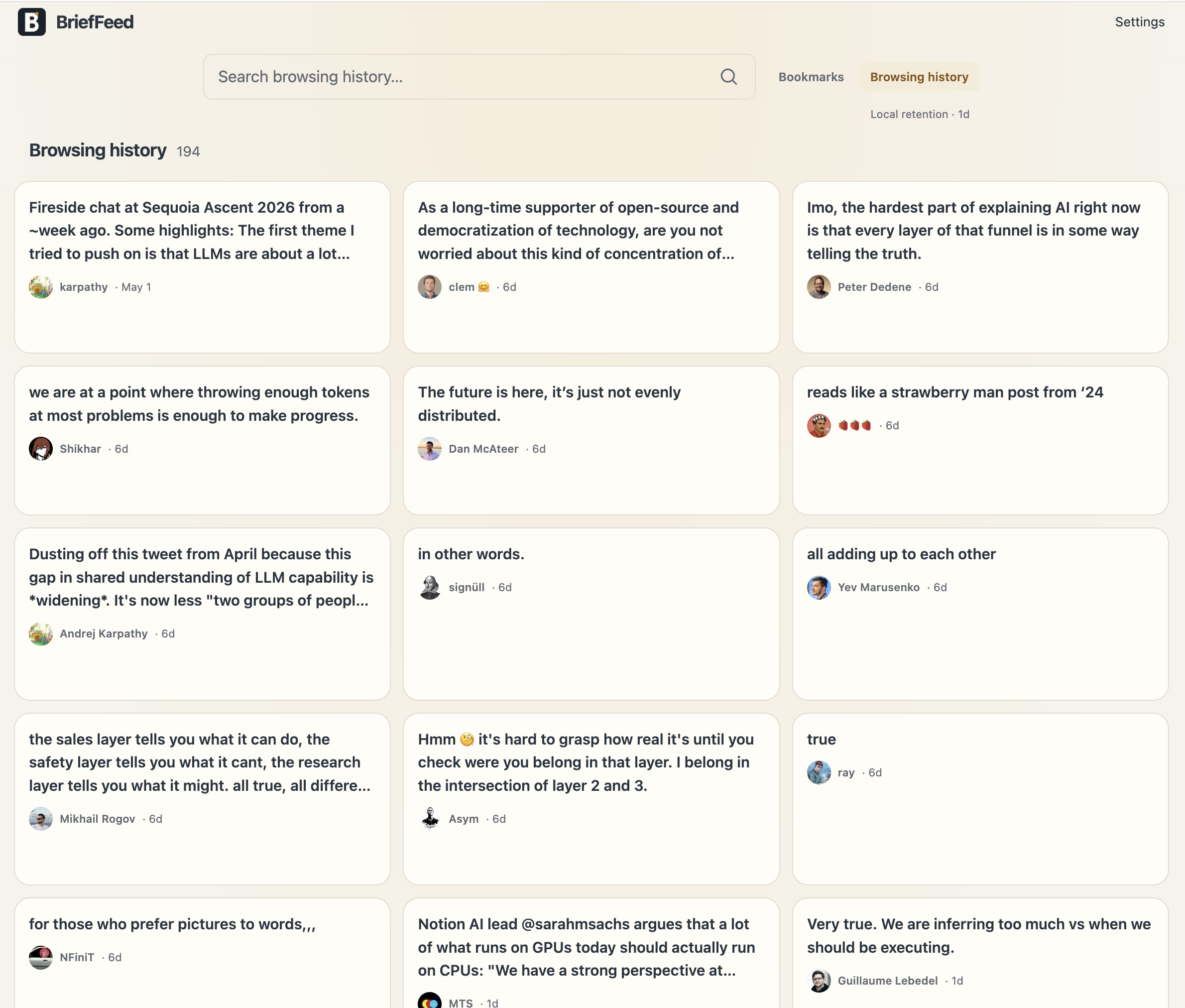
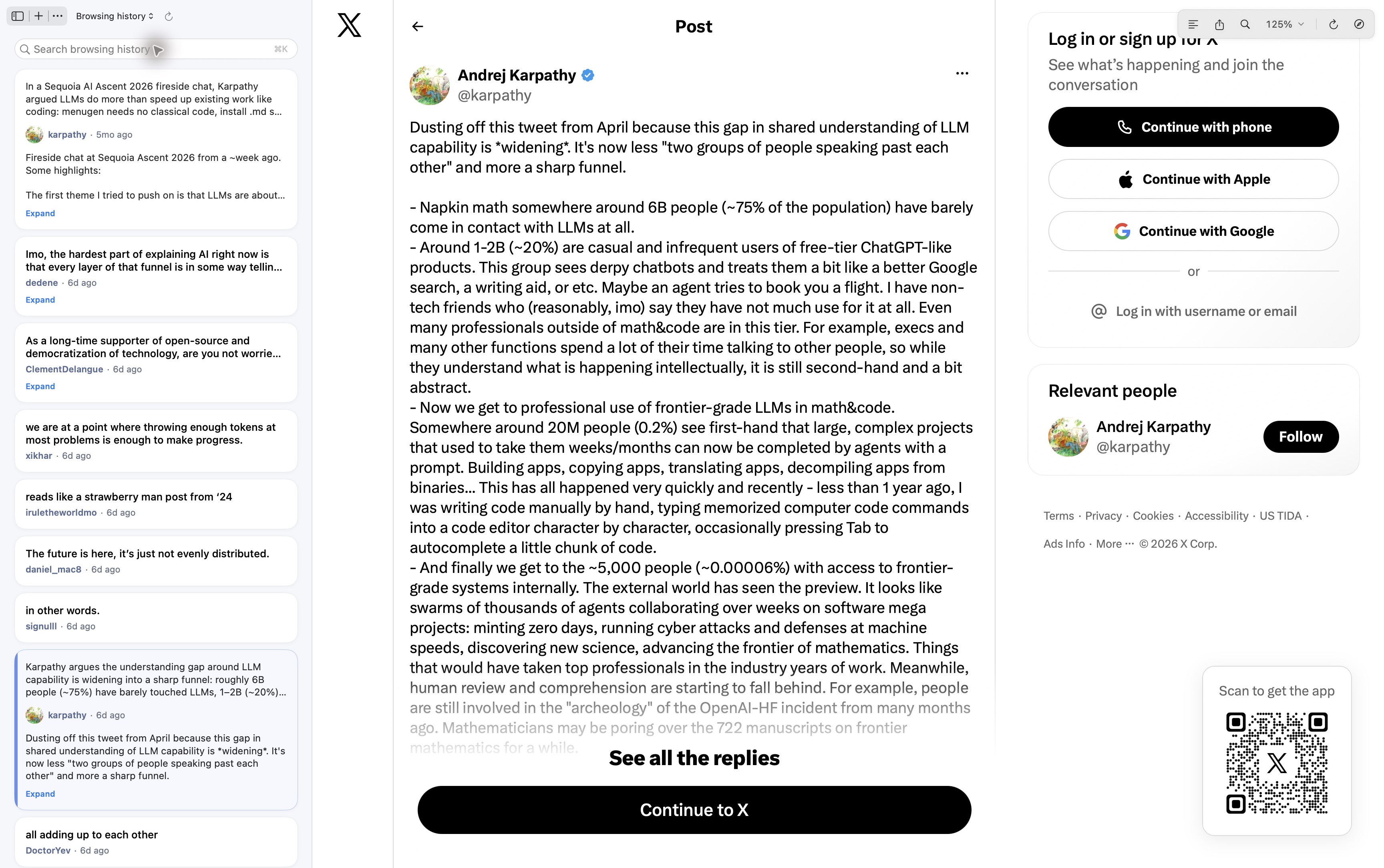
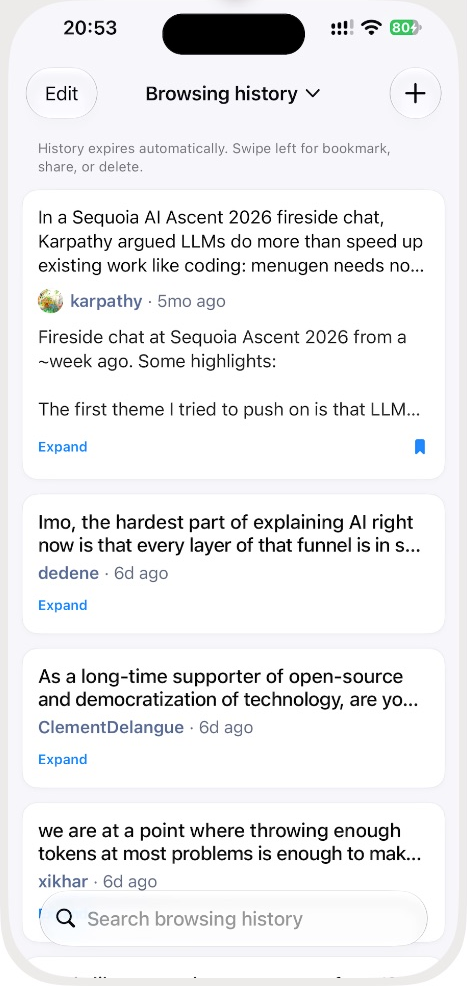
01 / Browsing history
Search recent posts by their content, across your browser, Mac, and iPhone.
Scroll to explore · Open an image for full size
02 / Reading workspace
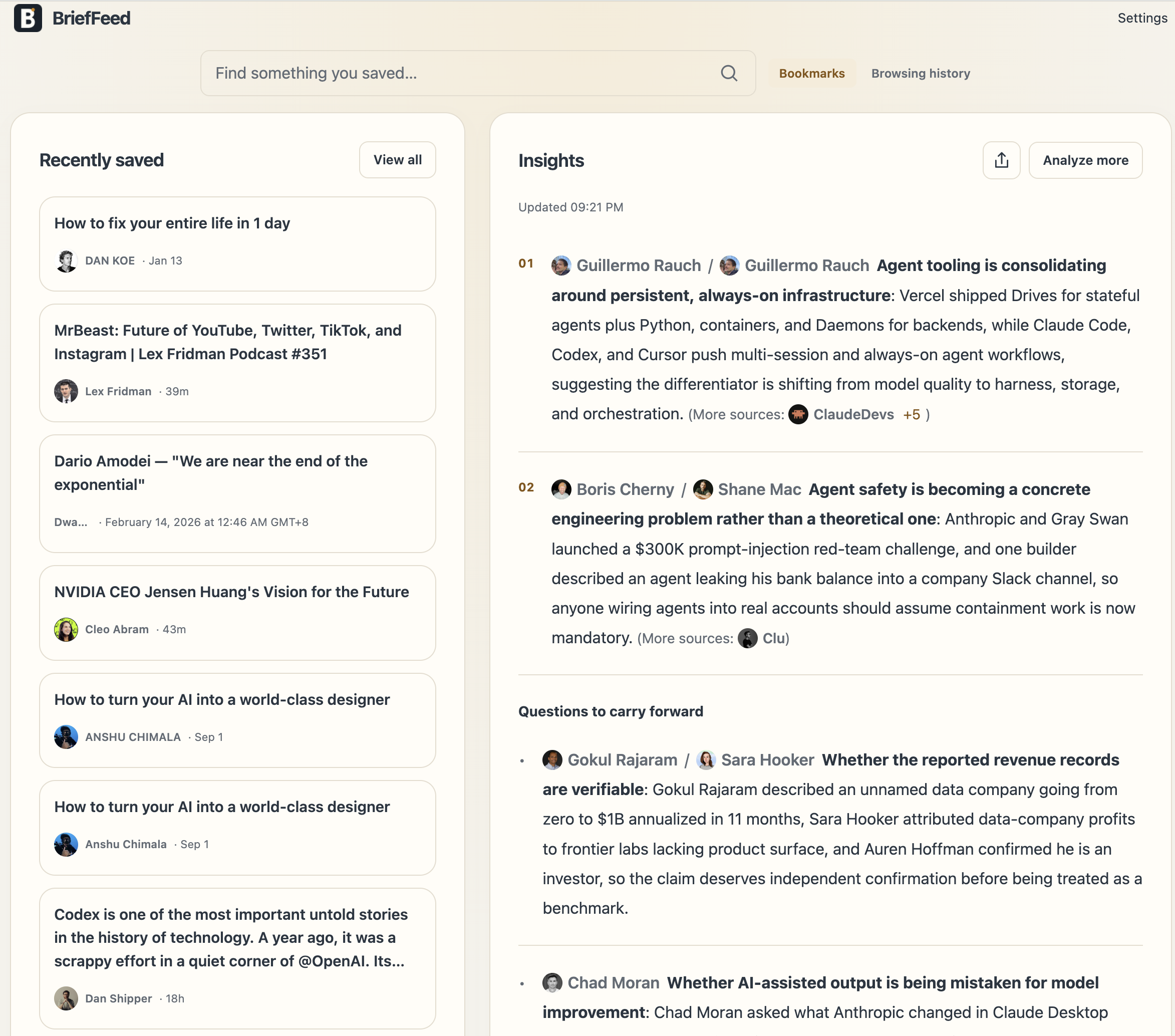
Bring saved reads, authors, and AI Insights together to connect ideas.
Upcoming
Bring saved items, retained history and AI Insights into the Agent you already use. Research ideas, organize your library and return to the original sources.
Integration guide“What did I read about AI agents this week? Compare the viewpoints and link the sources.”
Social & community
Stay oriented in fast-moving feeds
X / Twitter
Post, quoted-post, long-form, and profile context remain visible in place.
Reddit
A concise entry point for loaded posts, topic bodies, and discussion context.
Bluesky
Compact profile and post summaries for loaded feed and detail surfaces.
Weibo
Readable context for post cards and opened article details.
Xiaohongshu
An explicitly opened note can show a summary based on its visible title and caption.
Jike
Summaries sit with posts, visible media, and loaded link previews.